



 BFSI
BFSI HealthCare
 Edtech
 SaaS
SaaS Automobile
 Travel
By 2026, over 1 billion voice searches are conducted every month, and 58% of consumers use voice search to find local business information at least once a week, as per BrightLocal’s Local Consumer Review Survey. Despite this, most websites are still structured for typed queries and miss every voice result. Knowing how to optimise for voice search correctly starts with understanding what voice assistants actually extract.
To optimise for voice search, you need more than keywords. You need content structured around natural language, question-based headings, fast load times, and direct answer blocks that voice assistants can extract and read aloud. According to Backlinko’s analysis of 10,000 Google Home results, pages that win voice results average a Flesch Reading Ease score above 65 and a word count under 2,300 — two signals that come entirely from structure, not authority.
This guide will explain how to optimise for voice search across keyword strategy, schema markup, local SEO, featured snippets, and technical performance.
To optimise for voice search, structure your content around question-format H2s with 40 to 50 word direct answer blocks placed immediately after each heading. Use FAQPage schema, complete your Google Business Profile for local queries, and keep page load time under 2.5 seconds LCP. Voice assistants extract one passage per query — that passage must be self-contained and scannable.
What Does It Mean to Optimise for Voice Search?
To optimise for voice search means formatting content so voice assistants, Google Assistant, Siri, Alexa, can identify, extract, and read a specific passage aloud as a direct answer to a spoken query.
This differs from standard SEO in two core ways. Standard SEO competes for a list of ten ranked links. Voice search optimisation competes for a single extracted passage. One page wins; the rest are invisible to the listener.
The behavioral gap between typed and spoken queries is significant:
- Typed query: “voice search SEO”
- Voice query: “How do I optimise for voice search on my website?”
That shift from three words to twelve changes which pages rank, which schema triggers, and how Google weighs passage clarity.
How to Use Conversational Keywords to Optimise for Voice Search?
To optimise for voice search with keywords, build H2s around question phrases: who, what, where, when, how, why and place a 40 to 50 word direct answer block immediately after. Use AnswerThePublic and People Also Ask boxes to find how users phrase queries in natural speech, not how they type them.
Standard keyword tools surface short-tail terms. To properly optimise for voice search, you need a second keyword layer that targets question phrases and spoken-language patterns.
The translation from typed to spoken looks like this:
- Typed: “voice search tools”
- Voice: “What tools should I use to optimise for voice search on my website?”
Build H2s around the voice version. The question is your heading. The direct answer block is the passage Google extracts. Supporting detail follows after the block.
Keyword types that perform in voice search optimisation:
- Question phrases: Who, What, Where, When, How, Why
- Near me phrases: For any content with local intent
- Comparative phrases: “What is better, X or Y?”
- Instructional phrases: “How do I…” or “Steps to…”
Secondary keywords — voice SEO optimisation, voice search optimisation strategy — should appear naturally at 0.5% density in H3s and body paragraphs. Forcing them into sentences that do not read naturally signals keyword stuffing and lowers Flesch scores.
How Do Featured Snippets Help You Optimise for Voice Search?
Featured snippets are the direct source for voice search answers. Google reads the snippet aloud. Pages winning featured snippets for a query win the voice result approximately 80% of the time, as per Backlinko. Optimise for voice search by formatting content explicitly to win snippet position.
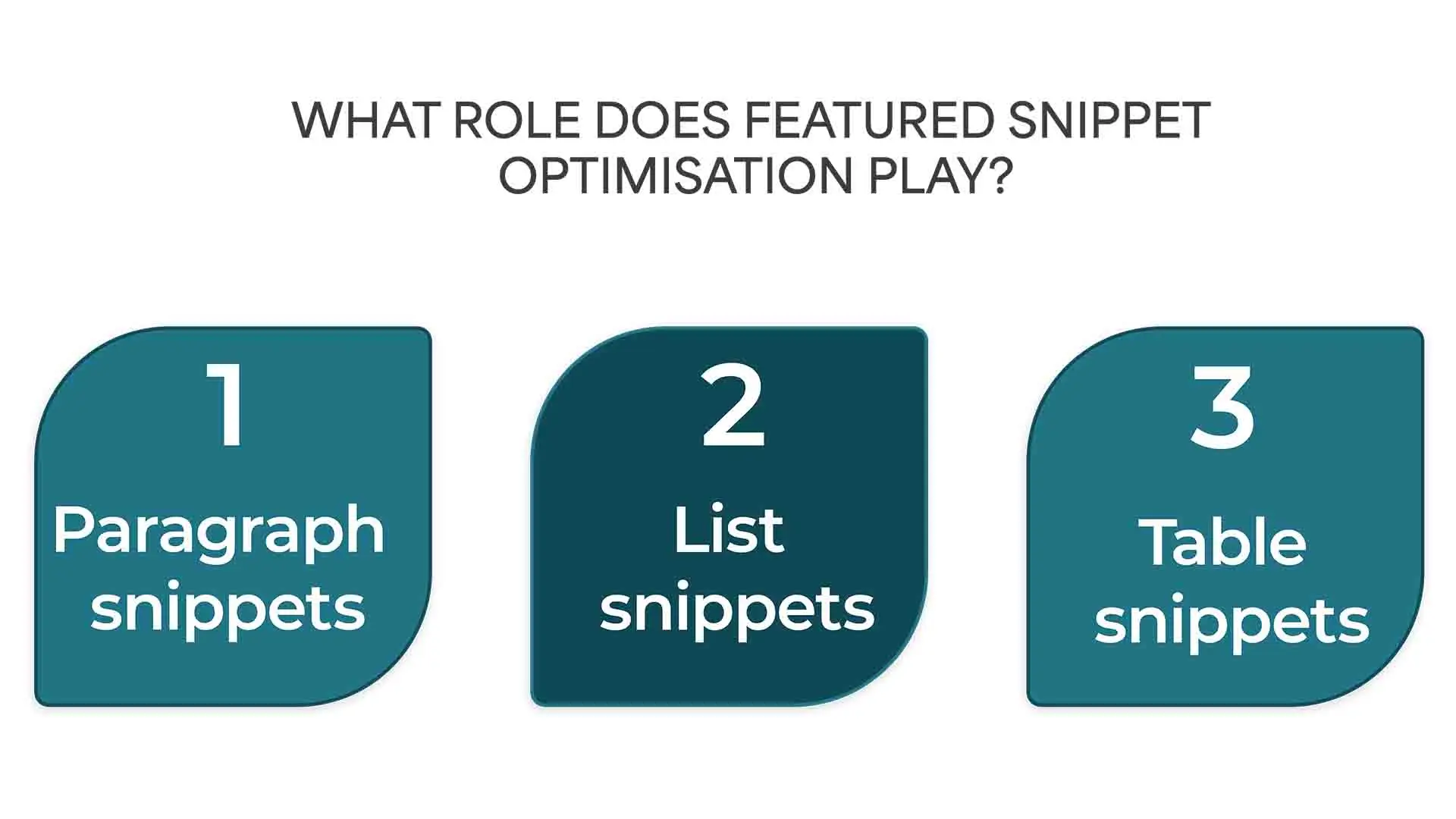
Three snippet formats exist, and each requires a different content structure:
Paragraph snippets target definition and explanation queries. Format: one standalone answer of 40 to 50 words, bolded, placed directly under a question H2. This is the structure every voice search optimisation effort should default to.
List snippets target how-to and step-by-step queries. Format: numbered lists with six or fewer items, each under 15 words. Voice assistants read numbered lists as step sequences.
Table snippets target comparison queries. Format: two to three column HTML tables with clear headers. Use these when your content compares options, tiers, or attributes.
The most common mistake when trying to optimise for voice search is burying the answer inside a paragraph. Google cannot extract mid-paragraph answers reliably. The block must sit visually apart: bolded, short, and self-contained — directly under the question heading.
Pages that successfully optimise for voice search and hold featured snippet positions also maintain Flesch Reading Ease scores above 65, per Backlinko’s voice search study. Short sentences and plain vocabulary are not stylistic choices here. They are ranking requirements.
How Does Local SEO Help You Optimise for Voice Search Queries?
“Near me” voice queries increased 900% in two years, according to Google Trends. To optimise for voice search with local intent, you need a complete Google Business Profile, consistent NAP data across directories, LocalBusiness schema, and location-specific content on your site.
Local voice results pull from four data sources:
- Google Business Profile (GBP): Name, address, phone, hours, and categories must be accurate and complete. Incomplete GBP listings do not appear in voice results.
- NAP consistency: Name, address, and phone number must match exactly across your website, GBP, and every directory listing. Mismatches confuse Google’s local graph and suppress local voice rankings.
- LocalBusiness schema: This tells search engines your business type, location, and hours in structured form, separate from GBP data.
- Proximity and content signals: Pages that reference city names, neighbourhoods, and service areas rank better for local voice queries than generic location-free content.
For multi-location businesses, each location needs its own landing page with unique content and its own GBP listing. Consolidating locations onto a single page blocks all of them from appearing in local voice results.
What Schema Markup Do You Need to Optimise for Voice Search?
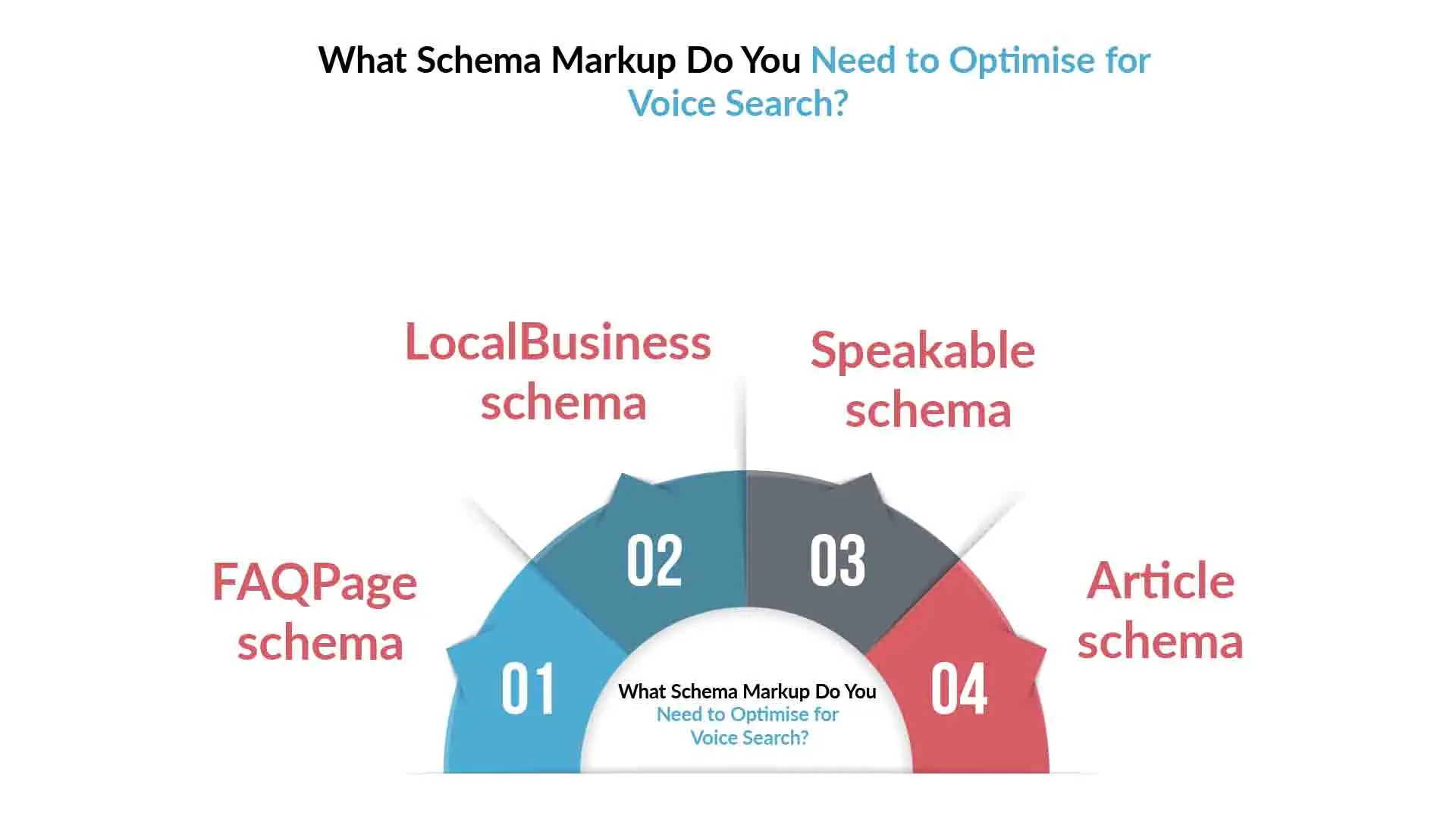
To optimise for voice search at a technical level, implement FAQPage, LocalBusiness, and Article schema at minimum. Pages with FAQPage schema generate 30% more featured snippet appearances, per Search Engine Journal, which directly translates to higher voice result inclusion rates.
Here is what each schema type does in a voice search optimisation strategy:
FAQPage schema is required for any post with an FAQ section. Each Q&A pair in the schema must match the on-page text exactly. This triggers FAQ rich results in SERPs and signals to Google which passages are designed as direct, extractable answers.
LocalBusiness schema is required for any business with a physical location or service area. Include: business name, address, phone, hours, URL, and geo coordinates.
Speakable schema is Google’s direct flag for voice content. It marks specific sections as suitable for text-to-speech reading. Currently available for news publishers, but adoption for standard web content is expected to expand.
Article schema covers author name, credentials, and publication date — the EEAT signals Google’s quality classifiers evaluate before deciding which pages surface in voice results for sensitive query categories.
All four schema types implement via JSON-LD in the page <head> tag. Most SEO plugins (Yoast, RankMath) generate FAQPage and Article schema automatically when configured. Validate everything in Google’s Rich Results Test before publishing — this step is non-negotiable when you optimise for voice search at scale.
What Technical Factors Matter When You Optimise for Voice Search?
Page speed is a direct ranking filter for voice results. Google’s Core Web Vitals documentation sets LCP under 2.5 seconds as the “good” threshold. Pages failing this are filtered from voice result candidacy before content quality is evaluated.
Technical checklist to optimise for voice search:
- LCP under 2.5 seconds: Compress images, defer non-critical JavaScript, use a CDN
- CLS under 0.1: Unstable layouts signal low page quality to crawlers
- Mobile-first indexing: Google indexes your mobile version first; if it is incomplete, your rankings will be incomplete regardless of desktop performance
- HTTPS: A non-negotiable trust signal; non-HTTPS pages are excluded from voice results
- Core Web Vitals pass rate: Pages failing CWV thresholds are removed from featured snippet eligibility in competitive niches
Run your URL through Google’s PageSpeed Insights before optimising content. A technically broken page cannot win a voice result regardless of how well the content is structured to optimise for voice search.
Voice Search Optimisation Strategy: Step-by-Step
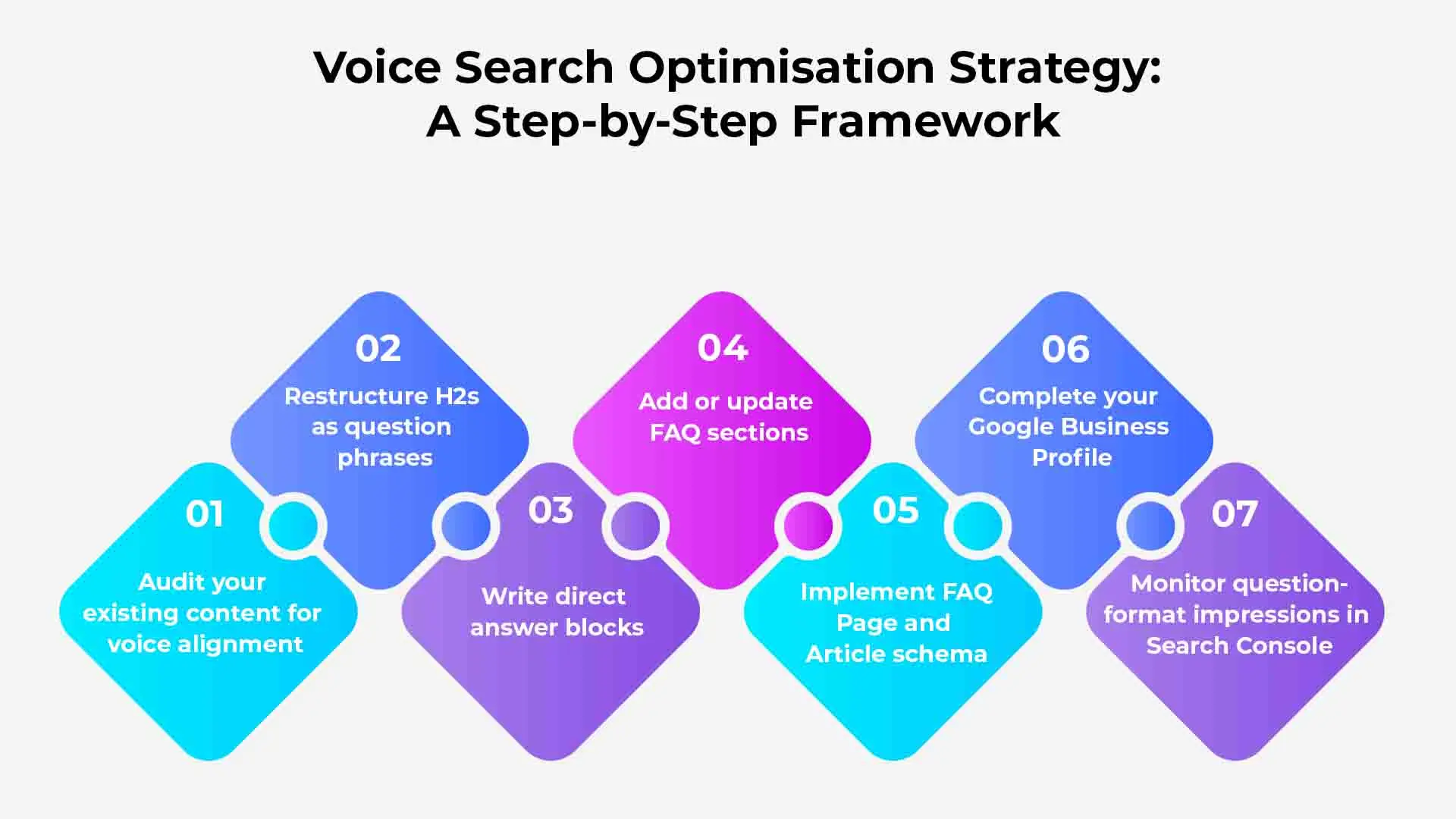
Building a repeatable voice search optimisation strategy means combining all elements above into a sequenced production process. Each step below is ordered by the speed at which it helps you optimise for voice search on existing and new pages:
Step 1: Audit existing content for voice alignmentÂ
Pull your top 20 organic pages from Google Search Console. Identify which queries triggering them are question-format phrases. These are your fastest pages to optimise for voice search via reformatting alone.
Step 2: Restructure H2s as question phrasesÂ
For each target keyword, use AnswerThePublic or People Also Ask to find the five most searched question variants. Replace statement H2s with question H2s.
Step 3: Write direct answer blocksÂ
After each question H2, write a 40 to 50 word direct answer. Bold it. Place it before any supporting detail. This is the passage Google extracts to answer voice queries.
Step 4: Add or update FAQ sectionsÂ
Each post needs four to six self-contained Q&As. Each answer should be 40 to 80 words and readable without needing the rest of the post for context.
Step 5: Implement FAQPage and Article schemaÂ
Add structured data via JSON-LD. Validate in Google’s Rich Results Test before publishing.
Step 6: Complete your Google Business ProfileÂ
For any content with local intent, verify GBP is complete, accurate, and correctly categorised.
Step 7: Monitor question-format impressions in Search ConsoleÂ
Filter queries by who, what, where, when, how, why. Track impression growth and CTR weekly for the first 30 days after each post you optimise for voice search.
Conclusion
The pages that optimise for voice search most effectively share five structural traits: question-format H2s, 40 to 50 word direct answer blocks, FAQPage schema, a complete Google Business Profile for local queries, and Core Web Vitals scores that pass the LCP threshold. None of these require domain authority. All of them require deliberate formatting.
Every page you fail to optimise for voice search is a candidate pool you are not in.
If you want your existing content audited and restructured to rank for voice queries, Content Whale’s SEO blog writing service produces posts built to this standard from the first draft.
FAQs
What is the fastest way to optimise for voice search on existing pages?
The fastest method is reformatting. Convert statement H2s to question H2s, add a 40 to 50 word bolded answer block directly after each, add an FAQ section with FAQPage schema, and submit the updated URL in Google Search Console. Pages with existing authority often see voice result inclusion within two weeks of this change.
How long should direct answer blocks be when you optimise for voice search?
Direct answer blocks should be 40 to 50 words. Under 30 words gets cut off in featured snippets. Over 60 words gets truncated in AI Overviews. The block must be bolded and placed immediately after a question-format H2 not buried in the body paragraph below it.
Does voice search optimisation require separate content from standard SEO?
No. You optimise for voice search by reformatting existing SEO content, not by creating a separate content stream. The changes are structural: question-based H2s, direct answer blocks, FAQ sections with schema, and shorter sentences for higher Flesch scores.
How does Google Business Profile affect your ability to optimise for voice search locally?
Google Business Profile data is the primary source for local voice results. An incomplete or inconsistent GBP listing will not appear in “near me” voice queries regardless of organic ranking. Accurate name, address, phone, hours, and category data are the baseline.
Which schema types matter most to optimise for voice search?
FAQPage and Speakable schema are most directly tied to voice result inclusion. Article schema supports EEAT scoring. LocalBusiness schema supports local voice results. All four should be implemented for any page targeting voice search queries.





 Content Whale – USA


