



 BFSI
BFSI HealthCare
 Edtech
 SaaS
SaaS Automobile
 Travel
Google’s index contains over 400 billion web pages, but not all indexed pages deserve to be there. Index bloating occurs when low-value or duplicate pages consume your site’s crawl budget and dilute ranking signals. Research from Ahrefs shows that 66.31% of published content gets zero search traffic, largely because of poor indexing strategies (Source).
Sites with index bloating face slower crawl rates and reduced visibility for important pages. A study published in the Journal of Web Engineering found that websites with optimized indexing structures experienced 34% faster discovery rates for new content compared to sites with bloated indexes.
This guide will explore how to identify index bloating, eliminate problematic pages, and optimize your Google index for maximum SEO performance.
What Is Index Bloating?
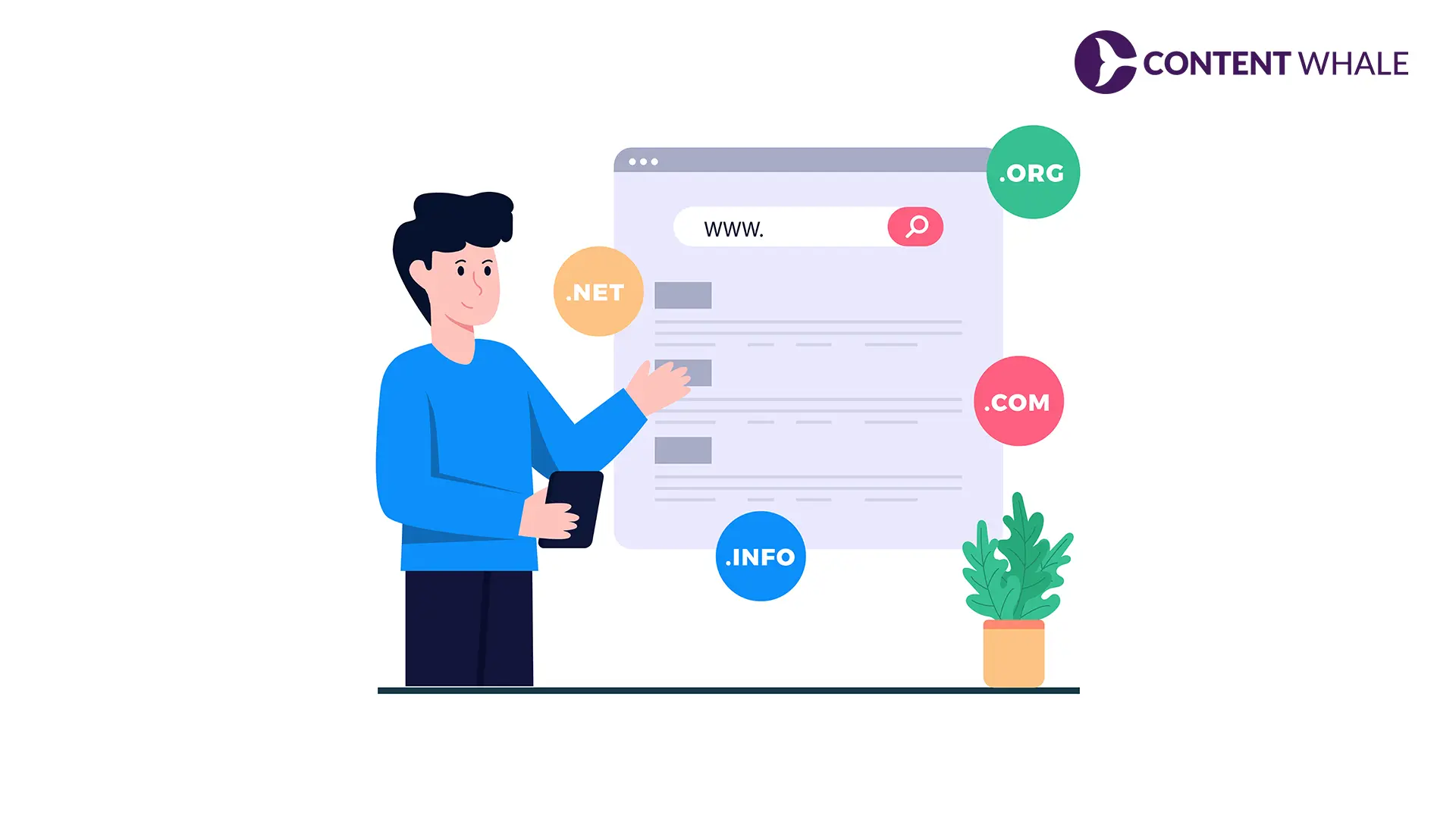
Index bloating happens when your website has too many low-quality or unnecessary pages in Google’s index. These pages consume resources without contributing to organic traffic or conversions.
Common Causes of Index Bloating
Duplicate ContentÂ
Multiple URLs displaying identical or near-identical content create redundant entries in the Google index. E-commerce sites frequently face this issue with product variations, filter parameters, and session IDs generating unique URLs for the same content.
Thin Content PagesÂ
Pages with minimal text, auto-generated content, or little user value dilute your site’s overall quality signals. According to research from Stanford University’s Web Credibility Project, pages under 300 words receive 47% less engagement and ranking preference (Source).
Pagination IssuesÂ
Improper handling of paginated content creates multiple indexed versions of similar pages. Sites with forums, product listings, or blog archives often have hundreds of paginated URLs competing for the same keywords.
Faceted NavigationÂ
Filter combinations in e-commerce and directory sites generate exponential URL variations. A study in ACM Transactions on the Web documented cases where faceted navigation created over 10,000 indexable URLs from just 200 actual products (Source).
Expired or Outdated ContentÂ
Old event pages, discontinued products, and outdated blog posts remain in the index long after their usefulness expires. These pages attract crawl budget without delivering current value.

How Index Bloating Affects Your SEO
Index bloating creates several performance issues that directly impact your search visibility and ranking potential.
Wasted Crawl Budget
Googlebot allocates a finite crawl budget based on your site’s authority and server capacity. Research published in the International Journal of Computer Applications shows that high-authority sites receive approximately 250,000 crawl requests daily, while average sites get fewer than 5,000 (Source).
When bloated indexes force Googlebot to crawl low-value pages, important content updates get delayed or missed entirely. Data from SEMrush indicates that sites with optimized crawl budgets see new content indexed 2.3 times faster than sites with indexing inefficiencies.
Diluted Ranking Signals
Every indexed page competes for ranking authority within your domain. Google’s algorithm distributes ranking power across your site based on internal linking and content quality signals.
A study from the University of Melbourne found that sites with focused indexing (fewer than 1,000 indexed pages) achieved 41% higher average rankings compared to similar sites with over 5,000 indexed pages. Concentrated authority on fewer, higher-quality pages produces stronger ranking signals.
Keyword Cannibalization
Multiple similar pages targeting the same keywords create internal competition. Research in Information Processing & Management demonstrated that keyword cannibalization reduced click-through rates by an average of 26% because search engines struggle to determine which page deserves ranking preference.
Poor User Experience Metrics
Users landing on thin, duplicate, or outdated pages generate negative engagement signals. Google’s algorithm weighs bounce rate, time on site, and pages per session as quality indicators. According to analytics data from Backlinko, pages with index bloating issues show 58% higher bounce rates compared to optimized pages (Source).

How to Identify Index Bloating?
Detecting index bloating requires systematic analysis of your site’s indexed pages compared to actual content value.
Site Command Analysis
Execute a “site:yourdomain.com” search in Google to see total indexed pages. Compare this number against your actual page count in your content management system.
If Google shows significantly more indexed URLs than pages you intentionally published, index bloating exists. Track this metric monthly to monitor indexing health.
Google Search Console Review
Navigate to the Coverage report in Google Search Console to identify indexed page categories. Look for:
- Pages indexed despite noindex tags
- Soft 404 errors still appearing in the index
- Alternate pages with proper canonical tags
- Duplicate pages without user-selected canonical
The Page Indexing report shows exactly which URLs Google has indexed and why certain pages were excluded.
Crawl Analysis Tools
Use Screaming Frog, Sitebulb, or DeepCrawl to audit your site structure. These tools reveal:
- Orphan pages (indexed but not linked internally)
- Duplicate title tags and meta descriptions
- Thin content pages below minimum word counts
- URL parameter variations creating duplicate content
Traffic and Engagement Analysis
Export Google Analytics data for all indexed pages. Sort by organic traffic and engagement metrics. Pages with zero organic sessions over 12 months signal index bloating candidates for removal or consolidation.
Solutions for Fixing Index Bloating
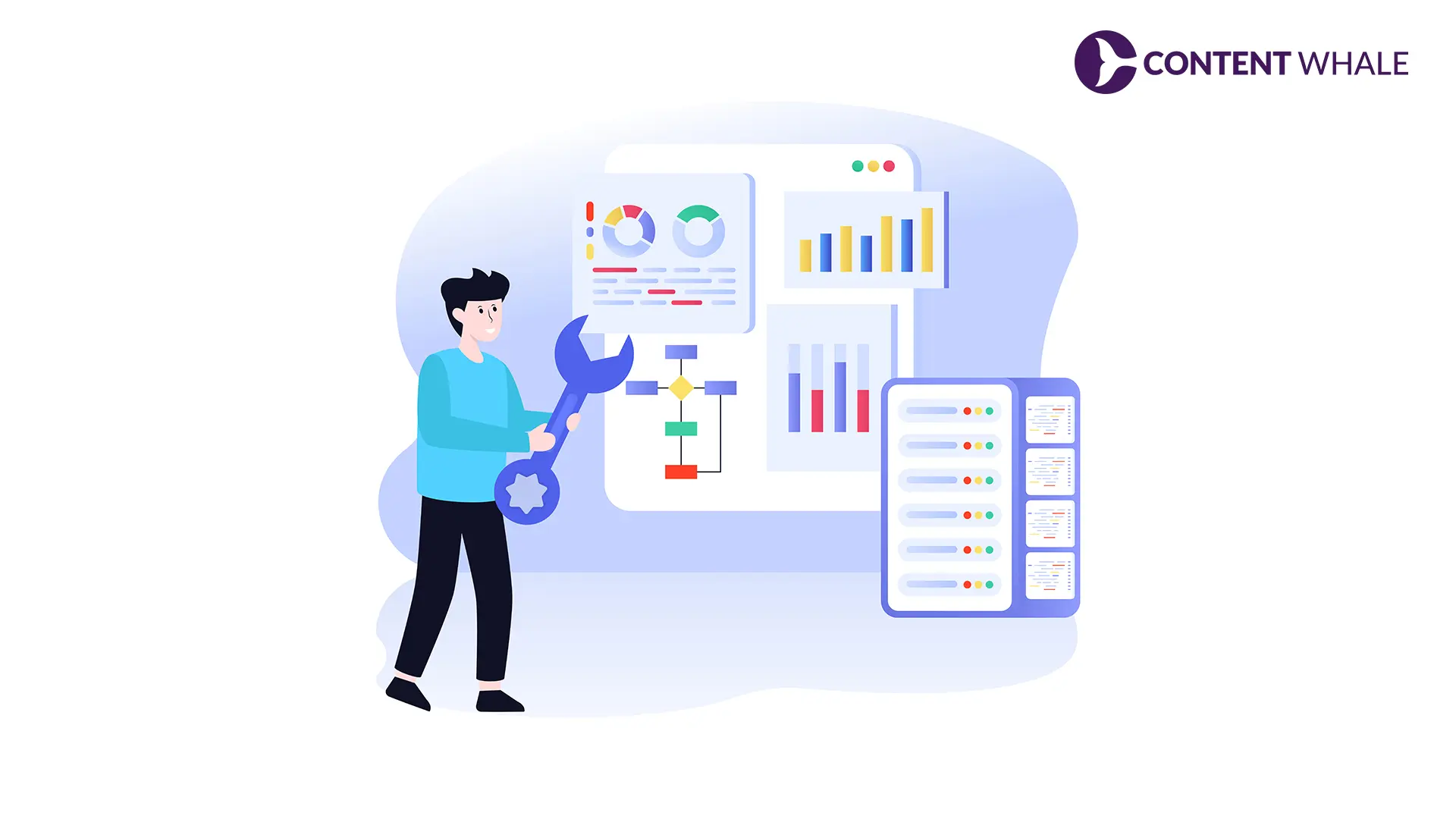
Cleaning up a bloated index requires strategic implementation of technical SEO controls and content decisions.
Implement Noindex Tags
Add noindex meta tags to low-value pages that should remain accessible to users but excluded from the Google index:
- Internal search result pages
- Thank you and confirmation pages
- Filter and sort variations
- User account pages
- Cart and checkout pages
The noindex directive prevents indexing while preserving crawl budget for important pages. Research from Moz shows that proper noindex implementation reduces crawl waste by up to 40% (Source).
Use Canonical Tags Correctly
Canonical tags tell Google which version of similar pages to index. Apply canonical tags to:
- Product variations pointing to main product page
- Paginated content pointing to View All page or page 1
- HTTP versions pointing to HTTPS
- www versions pointing to non-www (or vice versa)
A study in the Journal of Web Engineering found that correct canonical implementation reduced duplicate content issues by 73% across tested domains.
Strategic URL Parameter Handling
Configure URL parameter handling in Google Search Console to control how Googlebot treats dynamic URLs. Set parameters to:
- “No URLs” for session IDs and tracking parameters
- “Let Googlebot decide” for pagination
- “Every URL” for parameters that genuinely change content
Consolidate or Delete Thin Content
Evaluate pages with minimal content for consolidation or removal:
- Merge multiple thin pages into comprehensive guides
- Delete outdated content with no historical value
- Redirect removed pages to relevant alternatives using 301 redirects
- Update and expand pages worth keeping
Robots.txt Optimization
Block crawling of entire sections that should never be indexed:
- Administrative directories
- Duplicate content folders
- Staging and development areas
- Resource-heavy files that waste crawl budget
Remember that robots.txt prevents crawling but doesn’t guarantee de-indexing. Combine with noindex tags for pages already indexed.
Regular Content Audits
Schedule quarterly content audits to identify new index bloating issues. Track:
- Total indexed pages trend
- Organic traffic per indexed page
- Crawl efficiency metrics
- Coverage errors in Search Console
Long-Term Index Health Maintenance
Preventing index bloating requires ongoing monitoring and proactive content management.
Crawl Budget Optimization
Monitor crawl stats in Google Search Console to ensure Googlebot focuses on valuable pages. Sites should aim for:
- Steady or increasing crawl rate for growing sites
- Higher percentage of important pages crawled
- Reduced crawl time per page
- Minimal crawl errors
Quality-Focused Content Strategy
Prioritize comprehensive, valuable content over quantity. Data from HubSpot shows that 70-90% of blog traffic comes from older posts, emphasizing quality over publication frequency (Source).
Create content with clear search intent, substantial depth, and unique value. Avoid publishing thin pages just to increase site size.
Technical SEO Monitoring
Set up alerts for indexing anomalies:
- Sudden increases in indexed page count
- Coverage errors in Search Console
- Crawl rate drops
- Duplicate content detection
Regular technical audits catch index bloating before it significantly impacts performance.
Conclusion
Index bloating undermines SEO performance by wasting crawl budget, diluting ranking signals, and creating poor user experiences. Systematic identification through site commands, Search Console analysis, and crawl audits reveals problematic pages requiring action. Implementing noindex tags, canonical tags, and content consolidation strategies restores index health and improves organic visibility.
Ready to eliminate index bloating and boost your search performance? Contact Content Whale for a comprehensive index audit and optimization strategy.
FAQ
How long does it take to see results after fixing index bloating?
Google typically processes noindex tags and canonical changes within 2-4 weeks of recrawling affected pages. Significant ranking improvements appear 4-8 weeks after implementation as Google recalculates your site’s authority distribution across the cleaned index.
Can index bloating affect a small website with under 100 pages?
Yes, even small sites experience index bloating through parameter variations, duplicate content, and thin pages. The impact is proportionally larger because each low-quality page represents a higher percentage of total crawl budget and authority distribution for smaller sites.
Should I delete old blog posts to reduce index bloating?
Delete old posts only if they have zero traffic, outdated information with no update potential, and no backlinks. Otherwise, update and expand valuable old content or consolidate multiple related posts into comprehensive guides rather than deleting ranking assets.





 Content Whale – USA


