Breaking down complex information into smaller, focused sections isn’t new, but it’s critical as AI-powered search systems extract specific passages to answer queries. Content chunking reduces cognitive load, increases engagement, and helps search engines identify relevant sections.
Studies indicate readers retain 20% more information when content is chunked versus presented in long blocks. Research from Nielsen Norman Group shows that chunked content improves scanning efficiency by 47% compared to dense text blocks (Source).
This guide will explore what content chunking is, why it matters for SEO, and how to implement it effectively.

What Is Content Chunking?
Content chunking is the practice of breaking content into focused, digestible sections using headings, short paragraphs, bullet points, and white space. The technique has roots in cognitive psychology, where chunking refers to grouping information to reduce mental load and improve memory retention.
The concept isn’t new. Good writing has emphasized structure for decades through clear headings, short paragraphs, bullet points, and logical flow. What’s changed is the context.
AI-powered search systems now extract specific passages from pages to answer queries directly.
Google’s BERT update in 2019 improved how search algorithms understand context within passages, making content structure more relevant (Source). Structured content helps both human readers and AI systems by signaling what each section covers.
The human brain struggles with large blocks of text but excels at processing smaller units. By structuring content this way, you reduce friction and improve comprehension.
Why Content Chunking Matters for SEO and User Experience

Improves Readability and Engagement
Short paragraphs and clear headings directly reduce bounce rates by making content less intimidating. Users scan web pages in an F-pattern, focusing on headings and the first few words of each paragraph.
Content chunking supports this natural behavior by:
- Creating clear entry points throughout the page
- Reducing visual overwhelm from dense text
- Highlighting key information through structure
- Making it easier to find specific answers
Pages with properly chunked content see higher engagement because readers can quickly assess whether the page contains what they need. When users find answers faster, they stay longer and explore more sections.
White space between sections provides visual breaks that prevent fatigue. This simple formatting choice can mean the difference between a reader finishing your content or abandoning it halfway through.
Helps Search Engines Extract Answers
Passage indexing allows Google to extract specific sections to answer queries rather than evaluating entire pages. This means a single well-structured paragraph can rank for a query even if the full page covers a broader topic.
Content chunking improves passage indexing by:
- Using descriptive headings that match search intent
- Placing direct answers near section starts
- Creating self-contained paragraphs that make sense independently
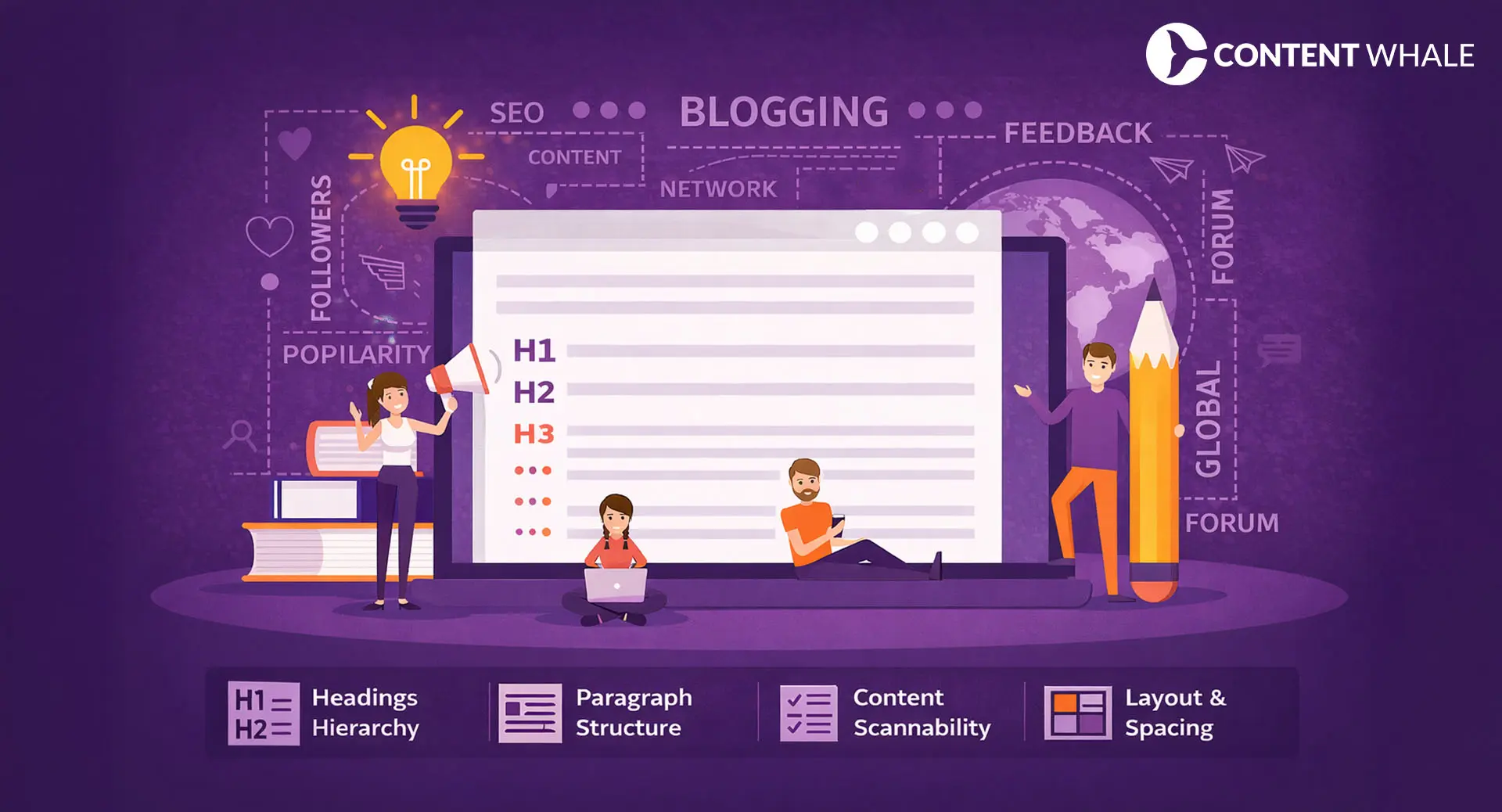
- Structuring information hierarchically with H2 and H3 tags
Content with bullet points gets 70% more engagement than text-only paragraphs (Source). Lists break monotony and highlight key takeaways, making them ideal for features, benefits, steps, or comparisons.
Clear headings signal topic relevance to crawlers. When you use descriptive H2 and H3 tags, search engines understand your content organization and can match specific sections to user queries more accurately.
Pages structured with Q&A formats are 2.5x more likely to appear in featured snippets. This direct correlation between content structure and visibility makes chunking a practical SEO technique.
How to Implement Content Chunking Effectively

Break Content Into Logical Sections
Each section should address one clear idea or question. Avoid vague titles like “Introduction” or “Overview” that don’t preview what readers will learn.
Use descriptive H2 and H3 headings that:
- Include relevant keywords naturally
- Preview the section’s specific value
- Match common search queries
- Create a scannable content hierarchy
Aim for 3-5 sentences per paragraph. This length provides enough detail to explain a concept without overwhelming readers. If a paragraph exceeds six sentences, look for natural break points where you can split it.
Turn 500-word blocks into 4-5 shorter paragraphs with subheadings. This transformation makes the same information more accessible and easier to process. Readers appreciate being able to skim headings and dive into sections that interest them most.
Use Lists and Bullet Points
Lists break monotony and highlight key takeaways. They’re particularly effective for presenting steps, features, benefits, or comparisons that readers need to process quickly.
Bullet points work best when:
- Each point is roughly equal in length and importance
- The list contains 3-7 items (optimal cognitive range)
- Points are parallel in structure and format
- The information genuinely benefits from list format
Avoid overusing lists. Reserve them for information that’s truly list-worthy rather than forcing every paragraph into bullet format. The contrast between prose and lists creates rhythm that keeps readers engaged.
Numbered lists work better than bullets when sequence matters, such as step-by-step instructions or ranked recommendations. Choose the format that best serves your content’s purpose.
Optimize for Featured Snippets
Answer questions directly in 40-60 words near the top of relevant sections. This length matches what Google typically extracts for featured snippets.
Use “What is,” “How to,” and “Why” formats that:
- Match common query structures
- Provide complete, self-contained answers
- Include the target keyword naturally
- Lead readers into deeper explanations
Place answers near section starts so search engines can easily identify and extract them. Follow the direct answer with supporting details, examples, or context that adds value for readers who want more depth.
Include relevant schema markup where applicable. FAQ schema, HowTo schema, and Article schema help search engines understand your content structure and may increase visibility in rich results.
Keep Sentences and Paragraphs Short
Aim for 15-20 words per sentence. This length balances detail with readability, making complex information more accessible. Longer sentences force readers to hold multiple ideas simultaneously, increasing cognitive load.
Short paragraphs create natural pauses for readers. They signal transitions between ideas and give the eye places to rest while scanning. A wall of text discourages engagement before readers even start.
White space improves visual flow by:
- Reducing perceived difficulty
- Creating clear separation between concepts
- Making headings and subheadings stand out
- Improving mobile reading experience
Avoid complex jargon unless your audience requires it. Technical terms have their place, but unnecessary complexity creates barriers. Write at the comprehension level your audience needs, not higher.
Add Visual Breaks
Use images, charts, or infographics between sections to reinforce your points. Visuals provide mental rest from text while supporting key concepts through different formats.
Place visuals strategically where they:
- Illustrate complex processes or data
- Break up particularly long sections
- Reinforce important takeaways
- Add value beyond decoration
Ensure images have descriptive alt text for accessibility. Screen readers rely on alt text, and search engines use it as a ranking signal. Alt text should describe the image’s content and context, not just list keywords.
Charts and data visualizations work particularly well for content chunking because they condense complex information into scannable formats. A well-designed chart can communicate what might take several paragraphs to explain.
Common Content Chunking Mistakes to Avoid

Over-Chunking Content
Too many subheadings disrupt flow and create choppy reading. Balance structure with narrative cohesion so your content feels organized but not fragmented.
Signs you’ve over-chunked include:
- Single-sentence paragraphs throughout (unless emphasizing key points)
- H3 tags every 2-3 sentences
- Bullet lists that could work better as prose
- Readers feeling jerked between topics
Content needs rhythm. Alternating between structured sections and slightly longer explanatory paragraphs creates natural pacing that keeps readers engaged without overwhelming them.
Avoid creating sections just to hit a target number. Each heading should exist because it genuinely improves organization and helps readers navigate your content.
Using Vague or Generic Headings
Headings like “Overview,” “Key Points,” or “Benefits” lack specificity. They tell readers almost nothing about what the section contains or why they should read it.
Replace generic headings with descriptive, keyword-rich alternatives:
- Instead of “Benefits,” use “How Content Chunking Reduces Bounce Rates”
- Instead of “Tips,” use “5 Content Chunking Techniques That Improve Engagement”
- Instead of “Conclusion,” use “Implementing Content Chunking in Your Strategy”
Descriptive headings preview content and include relevant keywords naturally. This dual purpose helps both readers and search engines understand what each section offers.
Test your headings by reading them in sequence without the body text. If they create a logical outline of your content, you’ve done well. If they’re confusing or redundant, revise them.
Ignoring Content Quality for Formatting
Chunking improves presentation but doesn’t replace substance. Shallow content with perfect formatting still ranks poorly because it fails to satisfy user intent or demonstrate expertise.
Google’s E-E-A-T guidelines prioritize expertise, experience, authoritativeness, and trustworthiness over formatting tricks (Source). Search algorithms evaluate content depth, original insights, and comprehensive coverage first.
Focus on these elements before optimizing structure:
- Original research and unique data
- Practical examples from real experience
- Comprehensive coverage of subtopics
- Citations from authoritative sources
Content chunking enhances quality content by making it more accessible. The technique won’t save poor content but will amplify the impact of genuinely valuable information.
Does Content Chunking Actually Improve AI Search Visibility?
Content chunking helps readability, but its direct ranking impact remains unproven. Passage-based retrieval allows AI systems to extract relevant chunks to answer queries. When your content is well-structured, these systems can more easily identify and pull the most relevant sections, increasing the chance your content appears in AI-generated answers or featured snippets.
Industry experiments show mixed results with no broad scientific validation. Variables like content quality, competition, and search intent affect outcomes more than formatting alone. The real SEO benefits are indirect: better user experience leads to longer dwell time, lower bounce rates, and more engagement signals that search engines do measure.
The 47% improvement in scanning efficiency from Nielsen Norman Group research translates to better user satisfaction (Source). Satisfied users spend more time on page and return to your site. Content chunking is a best practice for user experience that may provide SEO benefits as a side effect.
Conclusion
Content chunking is a proven readability technique with potential SEO benefits that extend beyond simple formatting. Structure content so readers find answers quickly by using clear headings, short paragraphs, bullet points, and logical organization.
Combine content chunking with strong research, original data, and comprehensive coverage. Test different formats like Q&A sections, lists, and short paragraphs to see what works for your audience. Contact Content Whale today to audit your existing content to improve readability and engagement.
FAQs
What is content chunking in SEO?
Content chunking is structuring information into smaller, focused sections using headings, short paragraphs, and bullet points. This improves readability, reduces cognitive load, and helps search engines extract relevant passages for queries.
Does content chunking improve search rankings?
Content chunking indirectly improves rankings by enhancing user experience. Better structure leads to longer dwell time and lower bounce rates, which are engagement signals search engines measure. Direct ranking impact remains unproven.
How many paragraphs should each content section have?
Each section should have 3-5 paragraphs of 3-5 sentences each. This balances detail with readability. Adjust based on topic complexity, but avoid single long blocks that exceed 200 words without breaks.