
Global AI investment reached $67.2 billion in 2023, according to Stanford University’s AI Index Report (Source). That investment reflects companies finding actual solutions, not just chasing trends.
The AI tools market explode with new launches daily. Finding what actually works takes time most people don’t have. That’s why we tested dozens of tools monthly, to separate genuine value from marketing noise.
Here are five AI tools handling real problems right now. No fluff. Just tools that deliver what they promise.
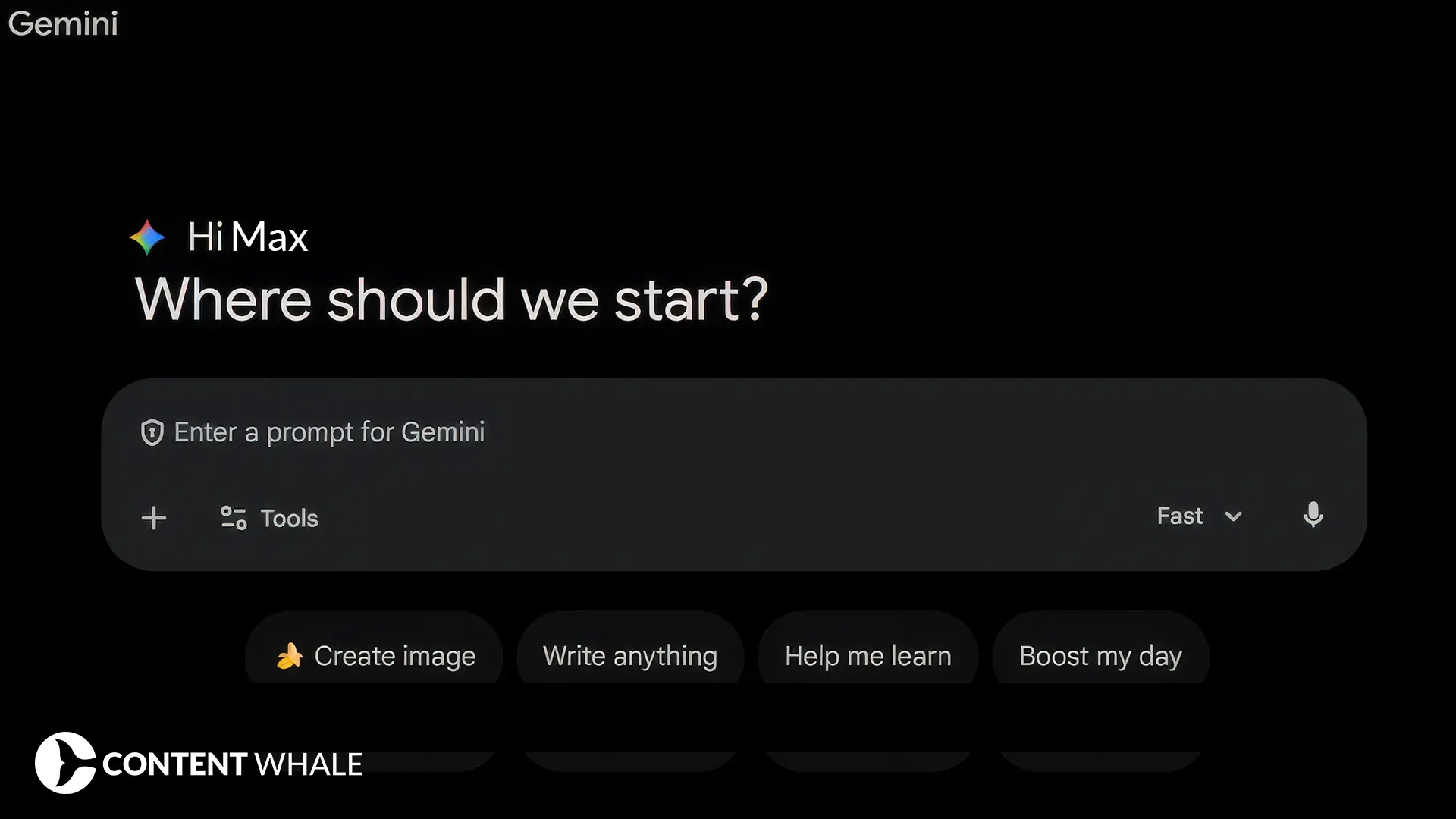
1. Nano Banana – AI Image Generation and Editing
What It Does
Nano Banana generates and edits images through natural language prompts. Built into Gemini, it creates visuals from text descriptions and modifies existing images based on specific instructions.
The Problem It Solves
Design work eats budget and time. Simple image edits require designers or expensive software subscriptions. Marketing teams wait days for visual assets. Social media content needs constant graphics nobody has time to create.
How It Works
Visit Gemini, select “Create images,” write what you want. Need a product mockup? Describe it. Want to edit an existing image? Upload it and specify changes. The system processes your request and generates results in seconds.
State-of-the-art computer vision models have achieved over 95% accuracy on controlled benchmark image classification datasets, based on research published in Nature (Source).
Real Impact
- Create marketing visuals without hiring designers
- Edit product photos without Photoshop skills
- Generate social media graphics on demand
- Produce presentation images instantly
- Build visual content at scale
The Reality Check
Free tier has daily limits. After that, you need the paid version. Generated images sometimes need multiple attempts to match your vision. Complex edits still require professional tools.
Cost
Free daily usage included with Gemini. Paid plans start after free limits.
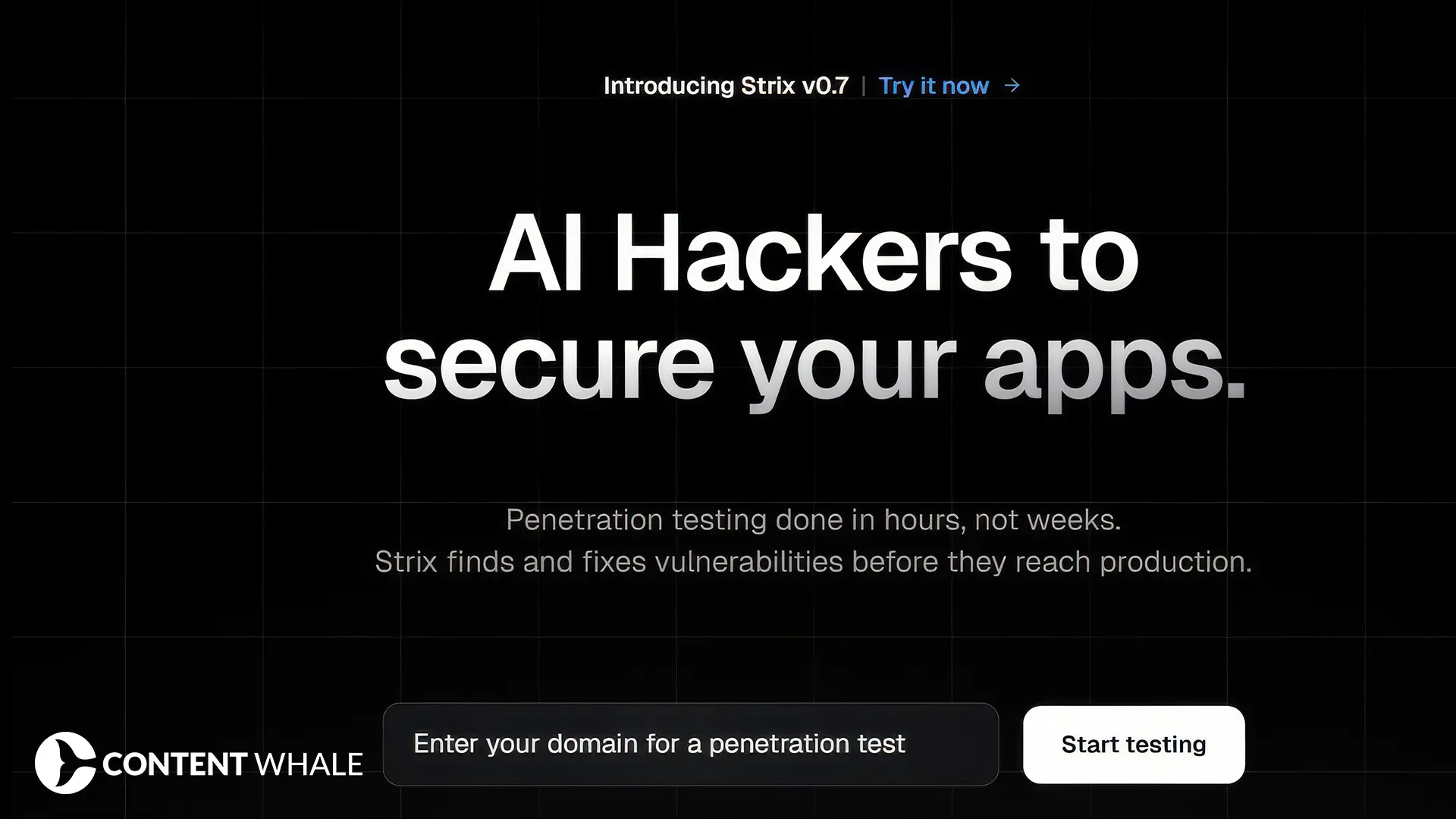
2. Strix – AI-Powered Penetration Testing
What It Does
Strix runs automated penetration testing using AI agents. It simulates cyberattacks on your systems to identify security vulnerabilities before real attackers find them.
The Problem It Solves
Security testing costs thousands and requires specialized expertise. Companies hire penetration testers for weeks-long engagements. Small businesses skip security audits entirely because of cost. Vulnerabilities sit undiscovered until breaches happen.
How It Works
Enter your domain. Strix deploys AI agents that probe your systems for weaknesses. It tests multiple attack vectors simultaneously, validates vulnerabilities, and generates detailed reports showing exactly what needs fixing.
Research from MIT demonstrates that machine learning models can identify security vulnerabilities in software systems (https://news.mit.edu/topic/machine-learning).
Real Impact
- Run automated vulnerability scans in hours
- Identify common security gaps before attackers exploit them
- Get detailed vulnerability reports automatically
- Reduce security testing costs for routine checks
- Perform regular security monitoring affordably
The Reality Check
Automated testing catches common vulnerabilities but might miss sophisticated attack vectors that human experts would find. Best used as continuous monitoring alongside annual professional penetration testing audits.
Cost
Three pricing tiers available. Check their website for current rates based on testing scope and frequency.
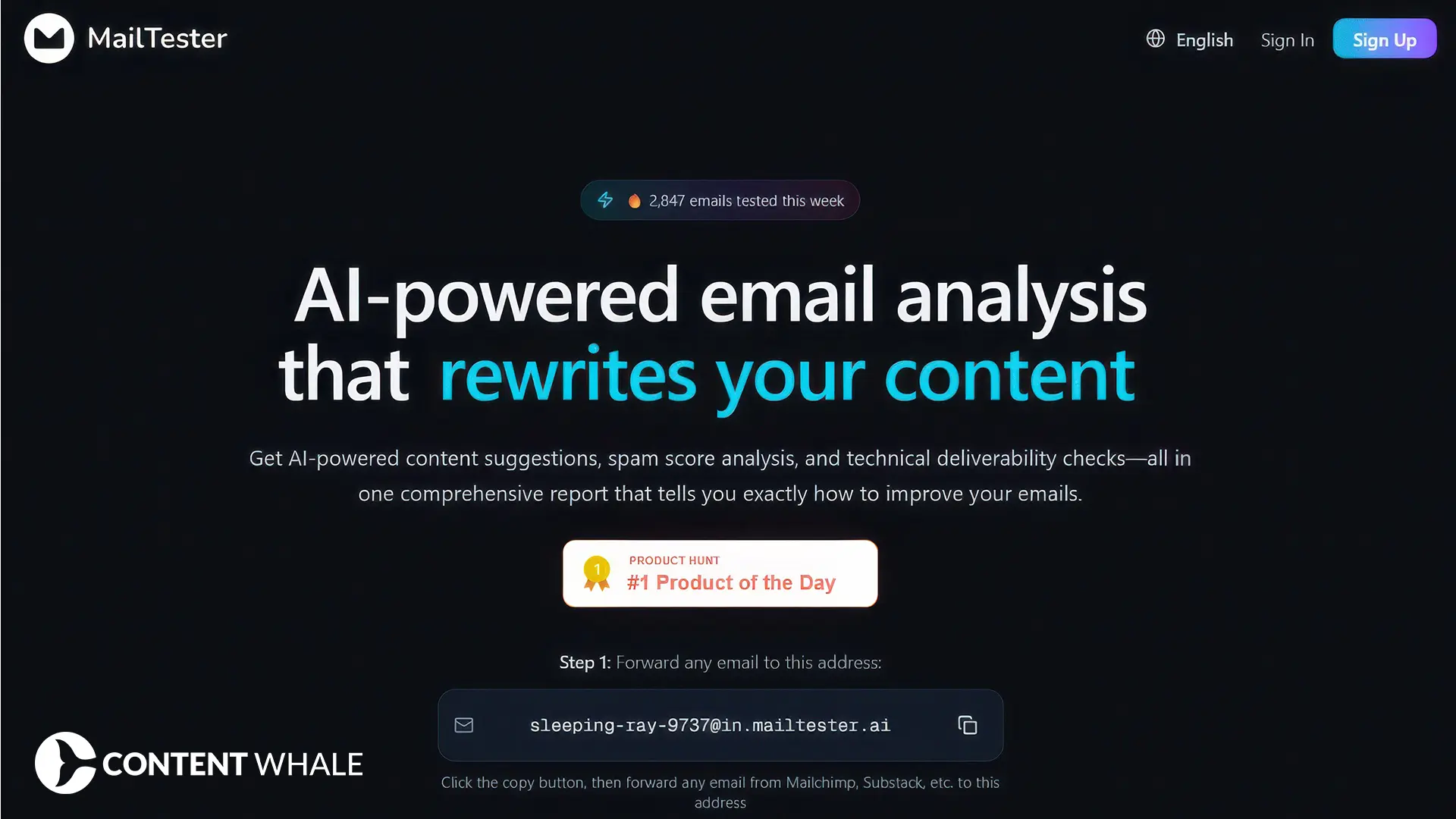
3. MailTester – Email Campaign Optimization
What It Does
MailTester analyzes newsletters, campaigns, and business emails using AI. It provides insights to improve engagement, open rates, and conversions by examining subject lines, content, timing, and deliverability factors.
The Problem It Solves
Email campaigns fail without knowing why. Low open rates, poor engagement, spam folder placement, you’re guessing at fixes. Testing takes time. Analytics show what happened but not how to improve.
How It Works
Sign up and send test emails to MailTester’s analysis system. It examines every element: subject lines, content structure, spam triggers, formatting, links, images. The analysis report shows specific improvements ranked by impact.
Natural language processing tools enable automated communication analysis for optimization, based on research from the International Journal of Information Management (Source).
Real Impact
- Identify why emails land in spam folders
- Optimize subject lines for higher open rates
- Improve content structure for better engagement
- Get actionable recommendations, not vague suggestions
- Test before sending to entire lists
The Reality Check
Analysis quality depends on providing complete email content. Generic recommendations might not fit your specific audience. Best used alongside A/B testing actual campaigns with real subscribers.
Cost
100 free credits. Pro plan or additional credits available for purchase after free tier.
4. Instruct AI – Workflow Automation Through Prompts

What It Does
Instruct AI automates business workflows using simple text prompts. Describe what you want automated, and it builds the workflow without requiring technical skills or complex setup.
The Problem It Solves
Traditional automation tools require learning curves. Platforms like Zapier and Make need time to master. Technical teams get bottlenecked with automation requests. Simple tasks remain manual because setting up automation seems harder than just doing the work.
How It Works
Write a prompt describing your automation needs. “When a customer submits a form, create a Slack notification and add it to the spreadsheet.” Instruct AI builds the workflow, connects the applications, and runs it automatically.
Organizations implementing workflow automation can reduce processing time for specific repetitive administrative tasks, according to McKinsey Global Institute (Source).
Real Impact
- Automate tasks without technical expertise
- Build workflows in minutes instead of hours
- Connect different applications seamlessly
- Eliminate repetitive manual processes
- Scale operations without hiring
The Reality Check
Complex workflows might require multiple iterations to work correctly. Application connections depend on API availability. Some automations still need human oversight to catch edge cases.
Cost
50 free credits monthly. Paid plans available for additional credits and advanced features.
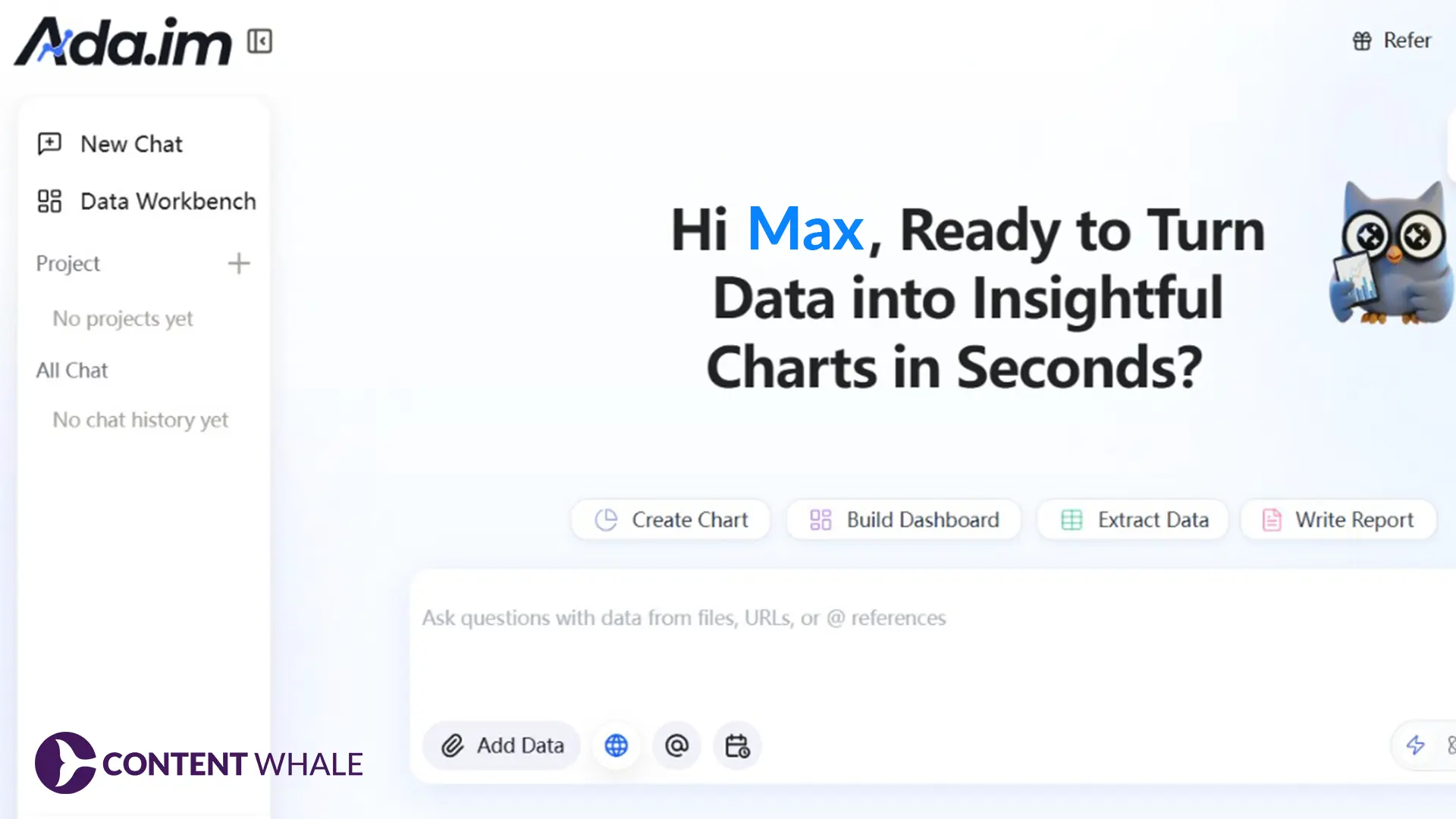
5. Ada – AI Data Analyst
What It Does
Ada functions as an AI-powered data analyst. Upload datasets, ask questions in plain language, and get analysis, visualizations, and insights without SQL knowledge or spreadsheet expertise.
The Problem It Solves
Data analysis requires technical skills most teams don’t have. Hiring analysts costs money. Waiting for analysis reports delays decisions. Spreadsheets overwhelm non-technical users. Important insights hide in data nobody knows how to access.
How It Works
Upload your data files. Ask questions like “What are our top-selling products by region?” or “Show sales trends over the last quarter.” Ada processes the data, runs analysis, generates visualizations, and explains findings in plain language.
Companies using AI-powered analytics platforms can accelerate certain decision-making processes by automating routine data analysis tasks, according to Deloitte research.
Real Impact
- Analyze complex datasets without technical training
- Get instant answers to business questions
- Generate visualizations automatically
- Identify patterns and trends quickly
- Make data-driven decisions faster
The Reality Check
Data quality determines output quality. Poorly formatted data produces unreliable analysis. Complex statistical analysis might still need expert review. Works best for standard business intelligence questions.
Cost
500 free credits in beta. Paid plans available for expanded usage.
What Makes These Tools Worth Trying

They Solve Specific Problems
Each tool addresses a clear pain point:
- Nano Banana fixes expensive design bottlenecks
- Strix handles costly security testing
- MailTester improves email performance
- Instruct AI eliminates automation complexity
- Ada democratizes data analysis
They’re Accessible
All offer free tiers or trials. Test before committing money. No massive upfront investments. Start small, scale if it works.
They Save Real Resources
Time savings show up in specific task categories:
- Design work goes from hours to minutes
- Security scans run continuously instead of annually
- Email optimization happens before sending
- Workflow automation builds in minutes
- Data analysis answers come instantly
Research from Harvard Business Review shows employees using generative AI tools complete certain writing and analytical tasks faster while maintaining quality for those specific functions.
Before You Start Using AI Tools

Test With Real Work
Don’t evaluate tools with hypothetical scenarios. Use actual business problems. Upload real data. Test real workflows. Results from real work show what actually matters.
Check Data Requirements
AI tools need quality data to function effectively. Industry research indicates that inadequate data preparation remains a common cause of AI project challenges.
Questions to answer:
- What data does this tool need?
- Do we have that data available?
- Is our data clean and organized?
- Can we connect this to existing systems?
Measure Actual Impact
Track specific metrics:
- Time saved on tasks
- Cost reduction per project
- Quality improvements
- Error rate changes
- User adoption rates
Numbers reveal whether tools deliver value or just look impressive in demos.
Plan for Integration
Tools work best connected to existing systems:
- Check API availability
- Test data flow between platforms
- Ensure security compliance
- Validate user permissions
- Plan for training and rollout
Conclusion
These five AI tools solve specific problems producing measurable results in their respective domains. Image creation, security testing, email optimization, workflow automation, and data analysis, each addresses real work that costs time and money when done manually. Start with your biggest pain point, test the relevant tool, measure the impact in that specific area, and expand what actually works for your situation.
The AI tool market launches new products daily, but value comes from solving problems you actually face, not chasing impressive features. Pick the tool matching your most expensive bottleneck, use the free tier to validate it works for your situation, and scale from there. Stop wasting resources on tasks these tools handle better.
Frequently Asked Questions
Do these tools work for small businesses or just enterprises?
All five tools offer accessible entry points. Free tiers and low-cost plans make them viable for small teams. Scale up as needs grow and value proves out.
How long does setup take?
Nano Banana works immediately through Gemini. MailTester and Ada need account creation but start working within minutes. Strix requires domain configuration. Instruct AI needs app connections but simplifies the process compared to traditional automation platforms.
What happens if the AI makes mistakes?
Every tool produces errors sometimes. Generated images might need regeneration. Security tests can show false positives. Email analysis might miss context. Data analysis depends on input quality. Always review outputs before acting on them.
Can I use multiple tools together?
Yes. Instruct AI can connect different tools. Use Nano Banana for visuals in emails analyzed by MailTester. Export Ada analysis for reports. Combine tools solving different problems in your workflow.
Are these tools replacing professional services?
They augment professionals, not replace them. Nano Banana handles simple graphics but complex branding needs designers. Strix runs continuous security checks but annual professional audits still matter. MailTester optimizes emails but email strategists provide broader guidance.